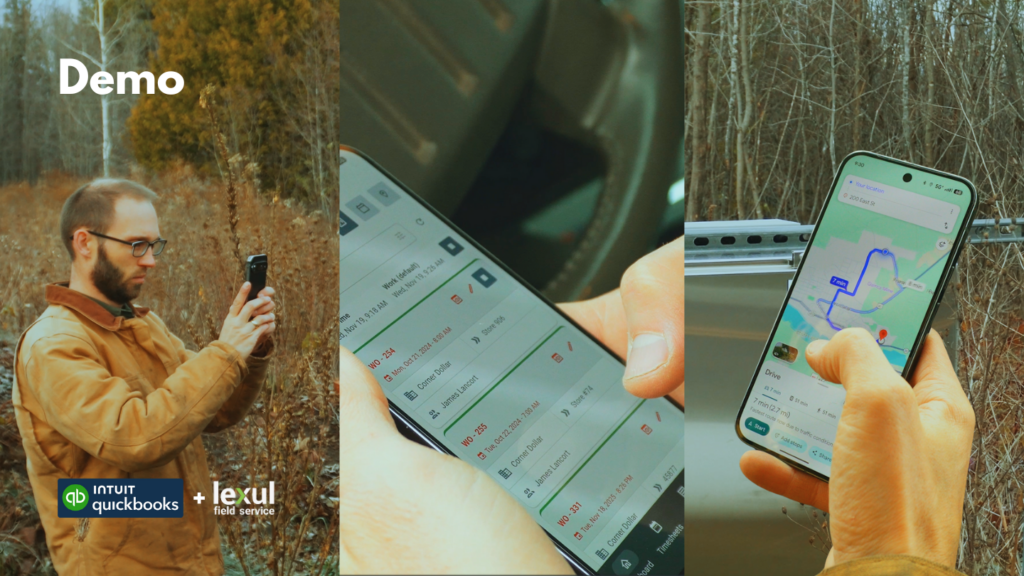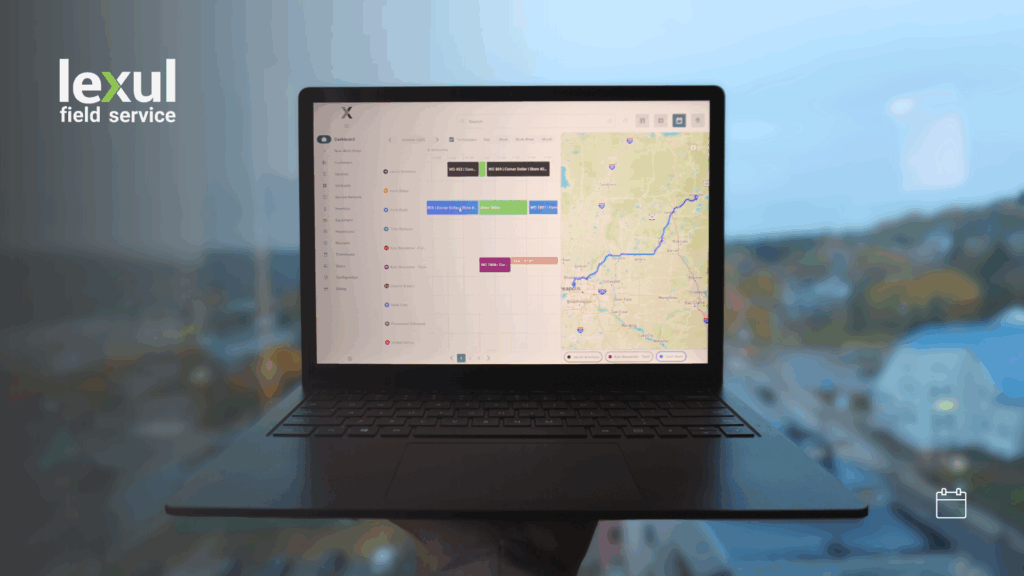
Lexul has now added Location syncing with QuickBooks Online!
Locations in QuickBooks are used for tracking financial data for physical places, departments, or regions for your business.
Not only that, locations can be used together with QuickBooks classes for more dynamic financial tracking and data.
A reason why you would want to use both locations and classes together would be to see which disciplines or classes are making money across multiple locations.
How are locations used in Lexul?
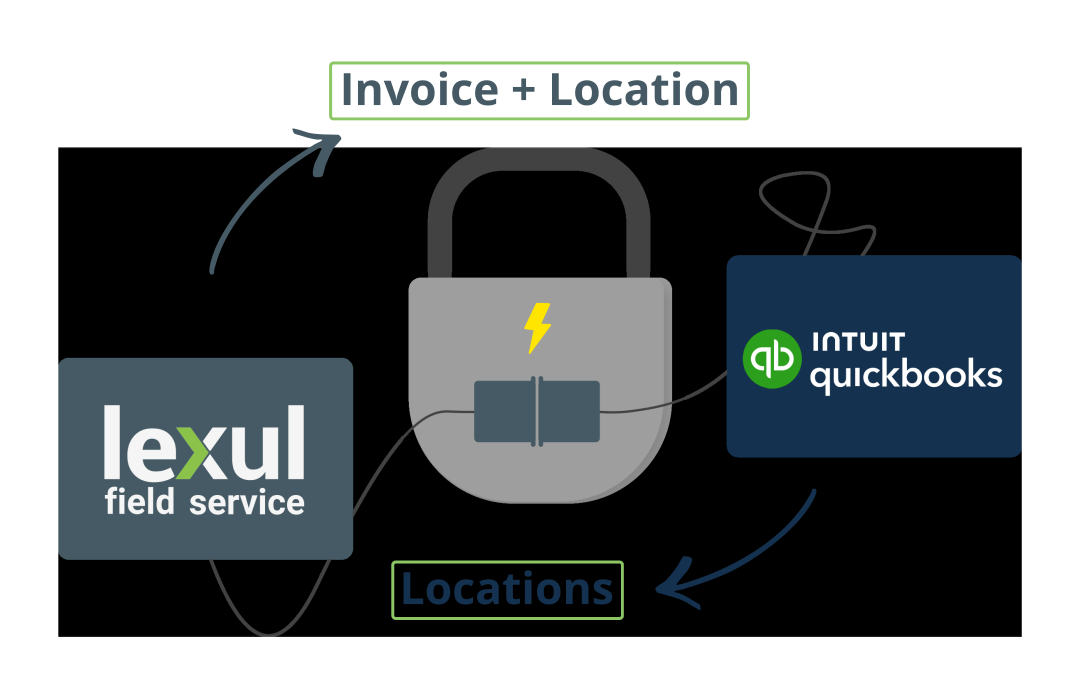
It’s a pretty simple process. Add locations in QuickBooks Online > wait until they sync > Add location of choice to work order inside of Lexul > Sync invoice with location attached back to QuickBooks Online. That’s it!
QuickBooks Classes can also be attached to an invoice that has a location attached as well, for better financial records and data.
Reports
What’s also nice about having locations (and classes) attached to work orders? Reports! Lots of reports! See exactly where you are making a profit vs where there is loss across locations and classes.
Get a completely free demo today! Reach us at sales@lexul.com to set up a time.
Looking forward to helping your business!
Austin, LFS Team 👋