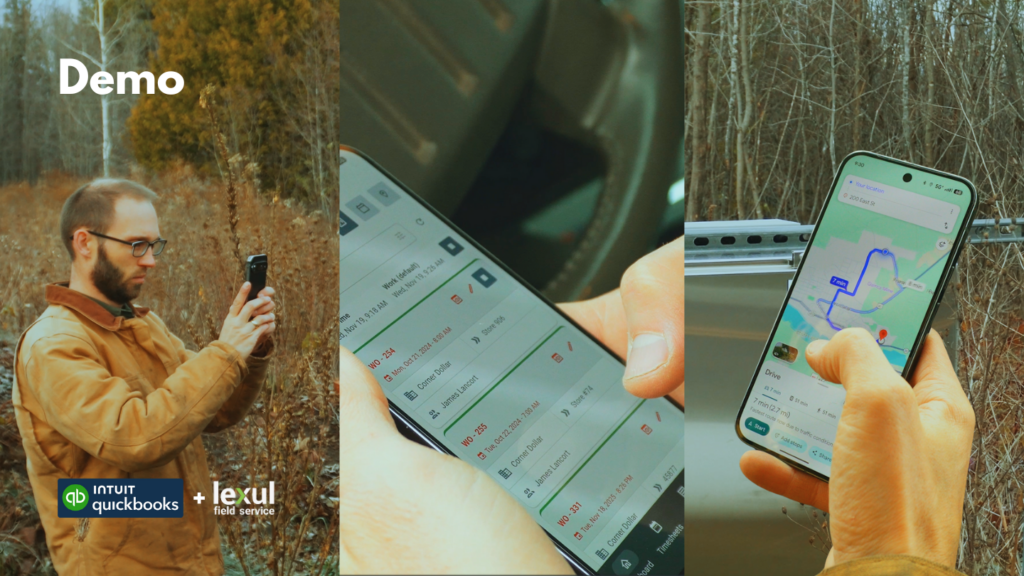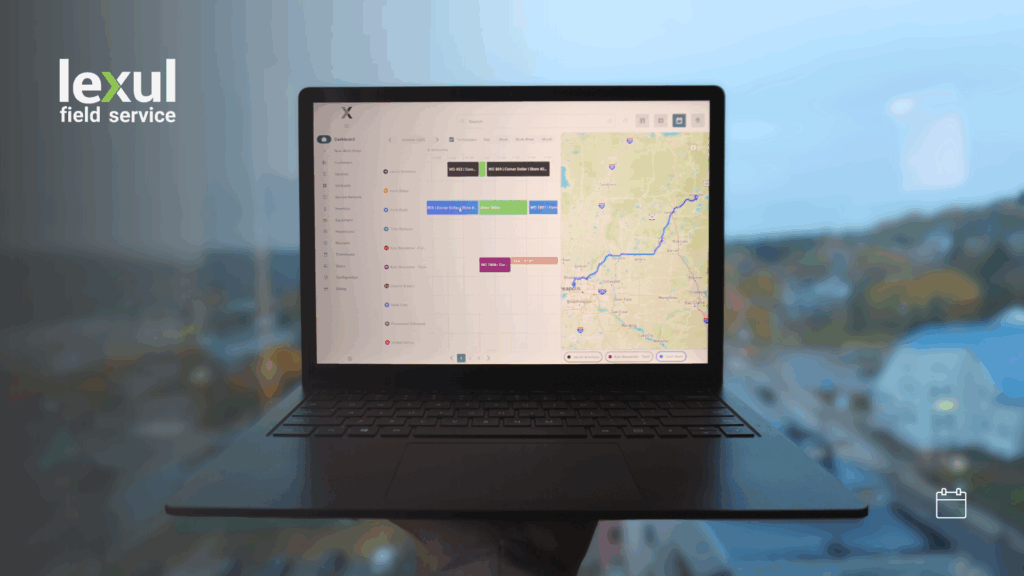
Lexul has officially introduced offline mode!
Offline mode is a new beta feature that allows technicians to track shift and job time and fill out work order details completely without service. We know that many jobs are in no-service or low-service areas, so we are building offline mode to combat this.
Work Orders must be downloaded while you have internet or have service, so that they may be used while there is no internet or service.

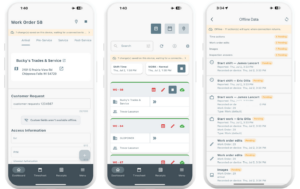
Viewing Offline Actions/Changes
While offline, technician actions (tracking time, adding notes, adding images, completing tasks, etc) will be listed above the work order and dashboard as so:
Offline Mode Exceptions (For Now)
Most work order functions work in offline mode, except for:
- Uploading Documents
- Adding Items
- Checking In/Out Equipment
- Custom Fields
- Scope of Work
- Site Surveys
Offline mode greatly improves job performance and saves time! Input work order info without service and let Lexul do the work by uploading work order actions when you get service again.